
AI usage
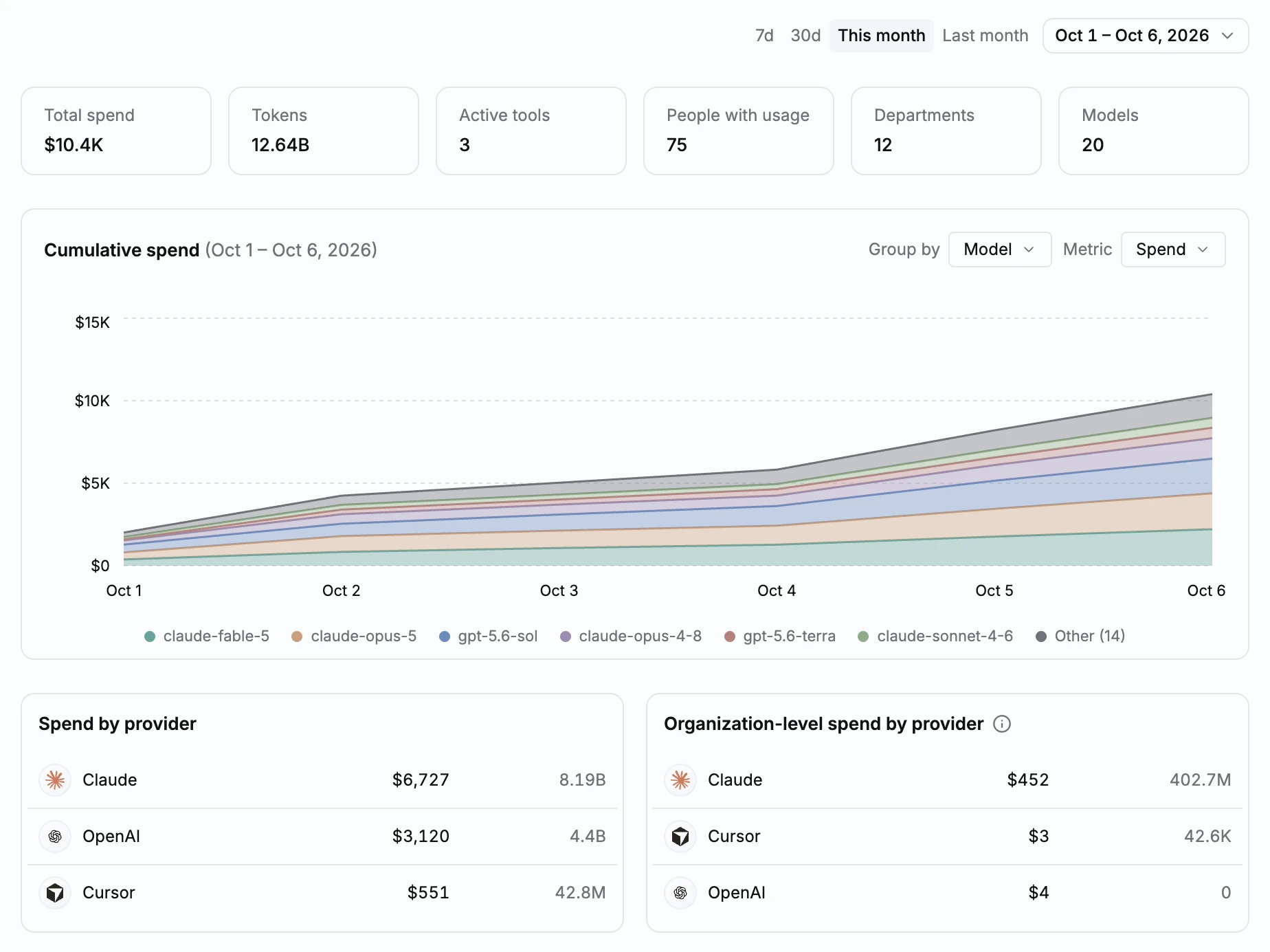
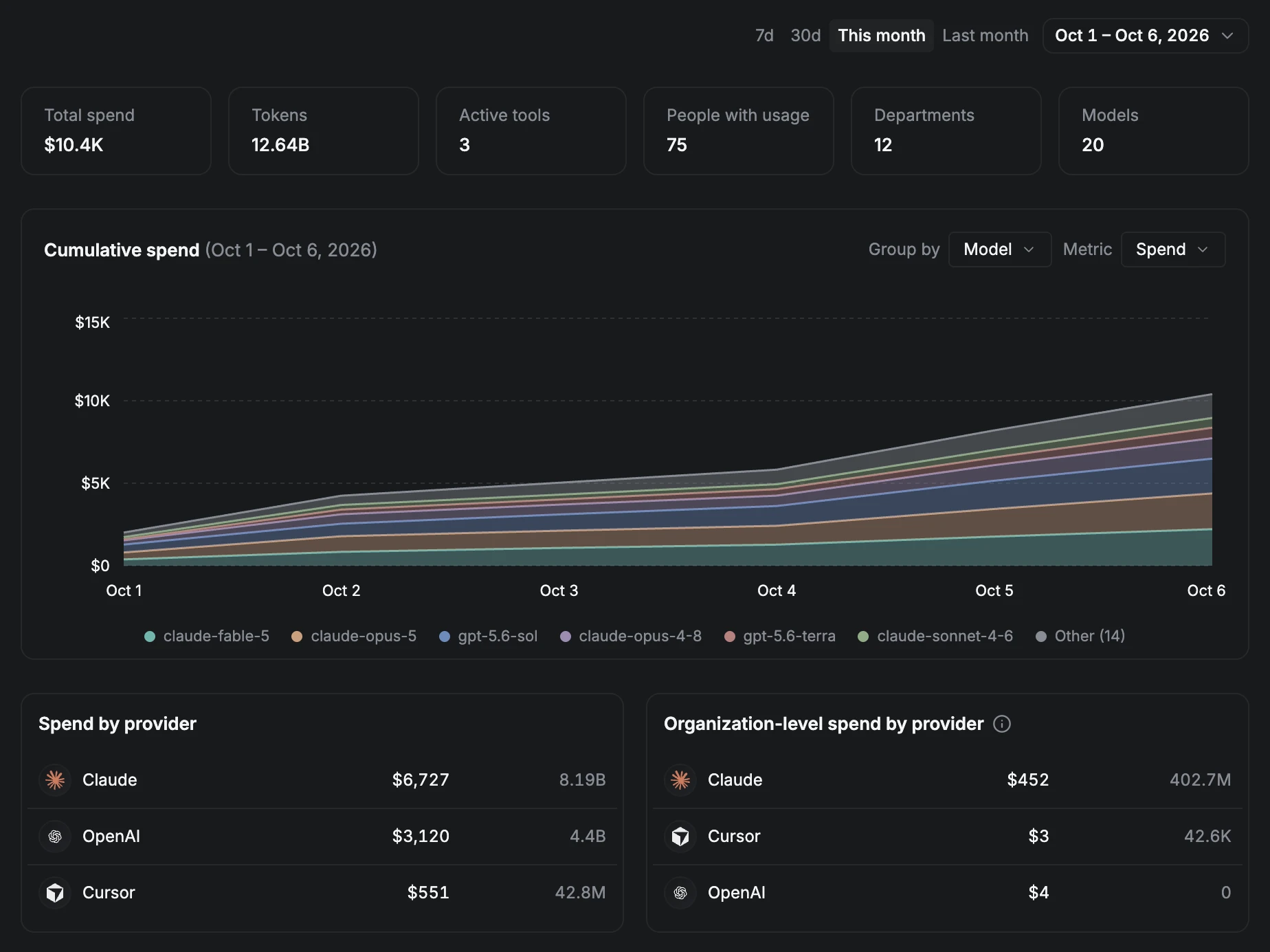
Each AI tool bills separately, and each console shows its own total. If someone asks who’s actually driving the spend, you’re exporting from Claude, exporting from Cursor, exporting from OpenAI, and matching it against your HR list by hand. That’s a manual join you redo every month, and it’s out of date again as soon as the next invoice lands.
Now you see total AI spend across Claude, Cursor and OpenAI in one place, broken down by team and person.
Overview
A new overview page covers every connected tool: total AI spend, spend by tool, spend by department across tools, top spenders company-wide, and the trend over time.
Cursor and OpenAI Platform
Cursor and OpenAI Platform each have their own usage page, alongside Claude.
Spend limits on Claude
The Claude usage table shows each person’s spend limit, the group that sets it, and a warning when they reach it. A separate view groups people by limit group.
Usage tables
Usage tables show seat status and last active, with Employment and Last-used filters.
Learn more in the docs.
Improvements
- Chat Can now ask June about AI tokens or spend, for any period.
- Chat Can now break AI usage down by person, team, model or tool.
- Chat Answers use the same numbers as the AI usage pages.
- AI usage Added links from employee names to their profile.
- AI usage Added links from tool rows to that tool’s page.
- AI usage Notes about estimated spend moved into tooltips.
- AI usage A disconnected tool keeps its history and shows a Disconnected badge.
- AI usage Added a Connect button to empty states.
Fixes
- Sign-in Fixed too many failed attempts showing “wrong password” instead of “wait and try again”.