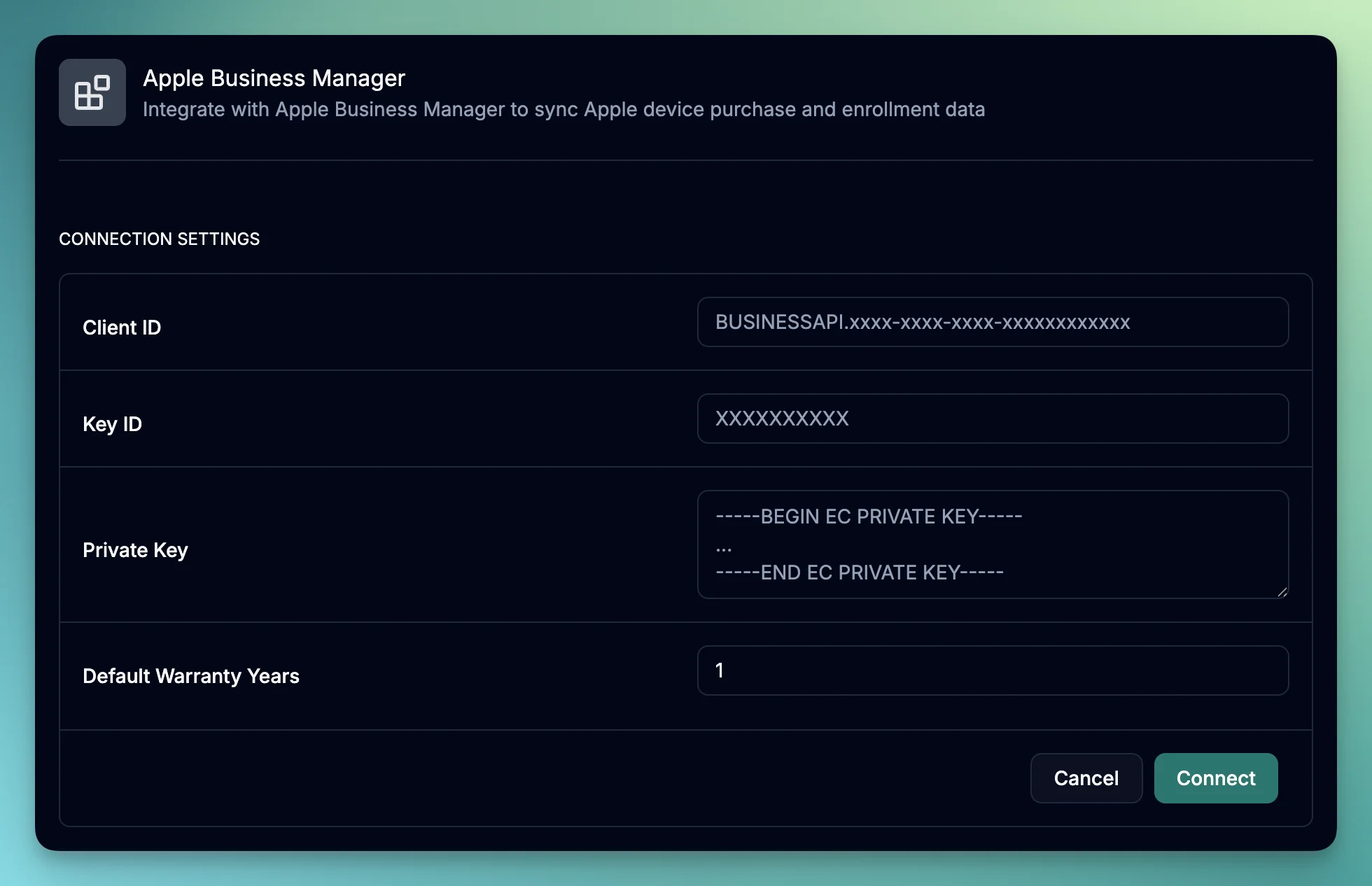
We’re excited to announce our new Apple Business Manager (ABM) integration,
making it easier than ever to manage your organization’s Apple device inventory within June. Eliminate manual data entry
with automatic synchronization that keeps your inventory always up-to-date, get complete visibility of all your Apple
devices in one centralized location, and track purchase dates, vendor information, and warranty status for better asset insights.
Key functionality
Seamlessly import all your Apple devices from Apple Business Manager
Automatically sync device details including serial numbers, models, purchase dates, and warranty information
Support for all Apple device types MacBook Pro, MacBook Air, iMac, iPad, iPhone, and more
Track device assignment status and purchase history
Monitor warranty periods with configurable default settings
Product Improvements
Edit Asset Purchase Data: Edit purchase data directly from an asset including cost, purchase details, and warranty information
Product Catalog Status: Products in the catalog now support active and archived statuses to keep your view clean and organized
Bug Fixes
Fixed automatic book value regeneration when adding prices to catalog items - all assets belonging to the product now update correctly
Resolved product name generation issues during Kandji sync to ensure accurate device identification
Fixed Google Workspace integration address sync issue to properly sync employee addresses
Corrected Slack integration channel names display in the channel list dropdown